Create and order custom printed apparel in seconds.
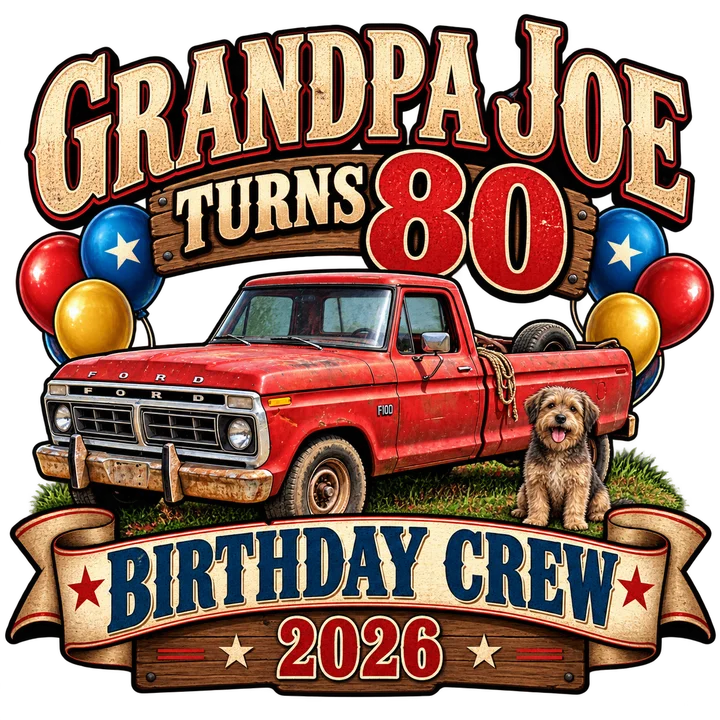
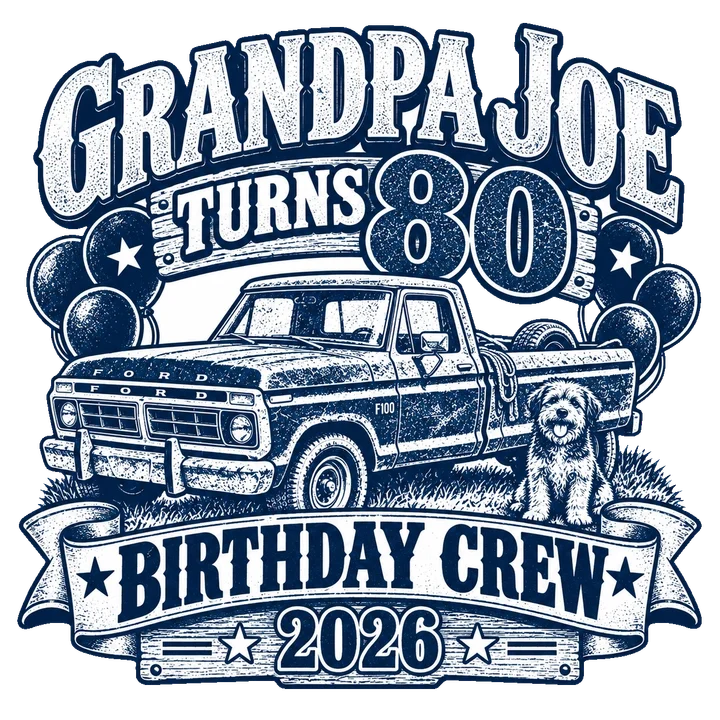
- Describe it
- Refine it
- Pick a product
- Order or sell
How VibeShirt works
Your idea, on a shirt
Follow one shirt from idea to family photo.Follow Grandpa Joe's 80th birthday shirt from a single sentence to a family photo.
How VibeShirt works, step by step
Your idea, on a shirt
Follow Grandpa Joe's 80th birthday shirt from a single sentence to a family photo.
Step 1 of 4, Describe it: Type your idea
Describe what you want in plain words. Have a photo? Attach it as a reference. It's optional: a prompt alone works great.
Step 1 of 4, Describe it: Watch it appear
Your design arrives in seconds on a transparent background, ready for print.
Step 2 of 4, Refine it: Just chat to change it
Ask for a new style, swap the text, add details. Each reply builds on the last design.
Step 3 of 4, Pick a product: See it on a real shirt
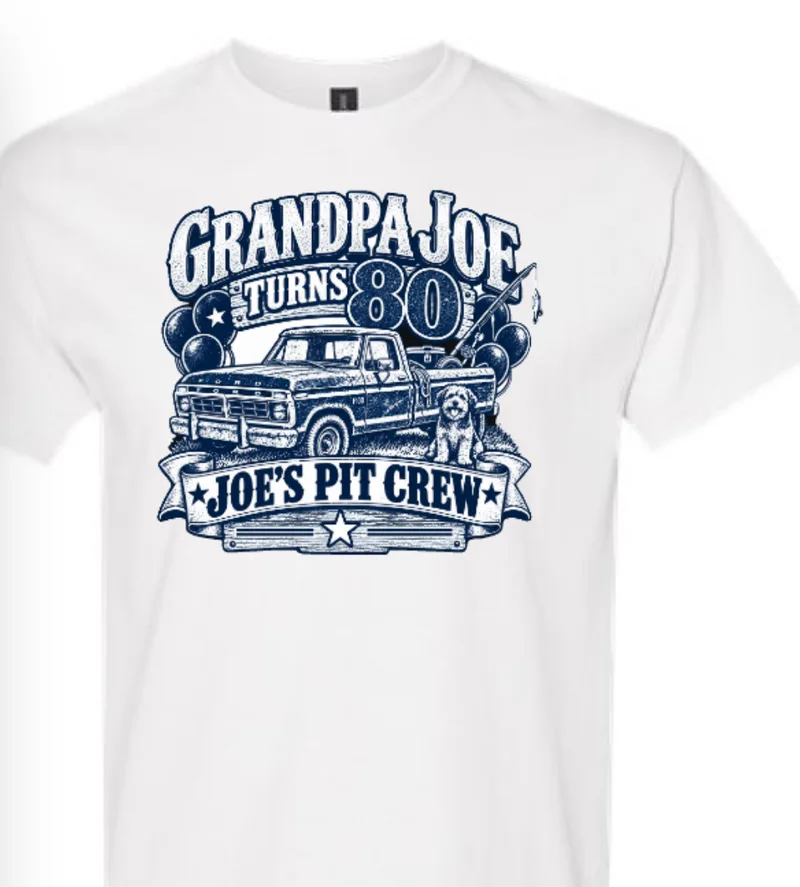
Tap Add to product and your design lands on a tee in the Product Designer, ready to tweak.
Step 3 of 4, Pick a product: Add styles, try colors
Open Products and tap Add Style to put your design on tees, hoodies, hats and bags. Tap any swatch to preview a color.
Step 3 of 4, Pick a product: Enter your sizes
Type a quantity in each size box. Items go straight into your cart, and bulk discounts kick in as you add more.
Step 4 of 4, Order or sell: Review and check out
Open your cart to review sizes, discounts and free shipping, then tap Checkout. We print and ship it to you.
Step 4 of 4, Order or sell: Order it, or sell it
Ordering just for your event? You're done. Or publish it to your own free store and earn on every sale.
Presenting Joe's Pit Crew
Now it's your turn. Tees, hoodies, hats, totes — what will you create?